 DQ博客
DQ博客切换主题
三、视图
一、app.vue
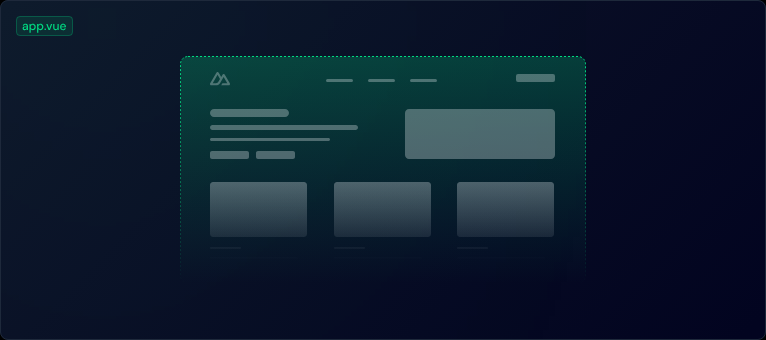
默认情况下,Nuxt 将把这个文件视为入口点,并为应用程序的每个路由渲染其内容
app.vue
vue
<template>
  <div>
   <h1>欢迎来到首页</h1>
  </div>
</template>二、组件
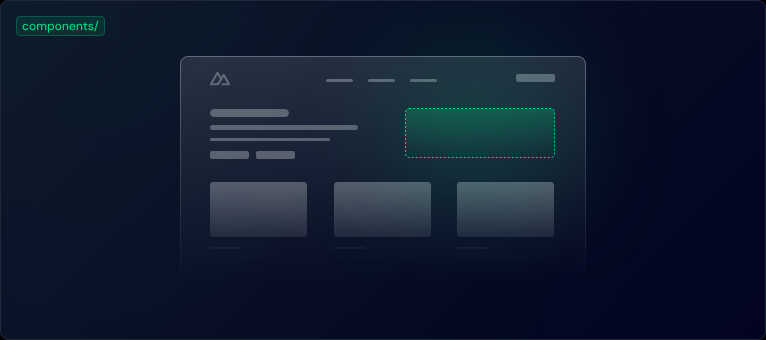
组件放在components/文件夹
app.vue
vue
<template>
  <div>
    <h1>欢迎来到首页</h1>
    <AppAlert>
      这是一个自动导入的组件。
    </AppAlert>
  </div>
</template>components/AppAlert.vue
vue
<template>
  <span>
    <slot />
  </span>
</template>三、页面
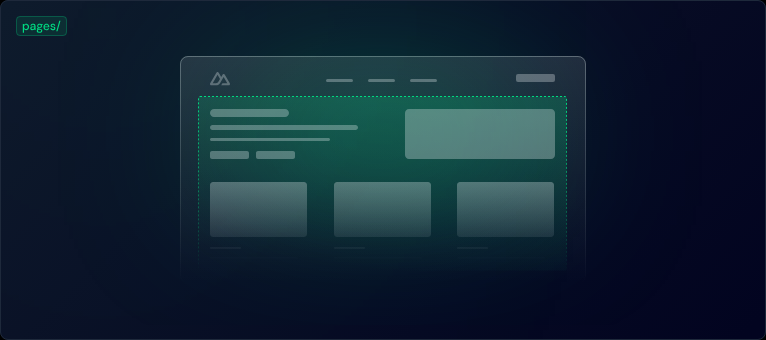
1、使用方法
1、在app.vue组件申明
vue
<template>
  <div>
    <NuxtPage/>
  </div>
</template>2、定义单层路由页面
pages页面新增页面名.vue组件
如
bash
pages/index.vue访问
bash
http://localhost:3000/3、定义双层路由页面
如,pages页面新增home文件夹,其新增一个index.vue
bash
pages/home/index.vue访问
bash
http://localhost:3000/home/4、定义多层路由
如,pages页面新增home文件夹,其新增一个add.vue
访问
bash
http://localhost:3000/home/add