DQ博客
DQ博客切换主题
一、初始化项目
一、npm初始化项目
bash
npx nuxi@latest init <project-name>二、出现报错
bash
ERROR Error: Failed to download template from registry: fetch failed1、解决办法
web端访问:
awk
https://raw.githubusercontent.com/nuxt/starter/templates/templates/v3.json能看到JSON如下:
json
{
  "name": "v3",
  "defaultDir": "nuxt-app",
  "url": "https://v3.nuxtjs.org",
  "tar": "https://codeload.github.com/nuxt/starter/tar.gz/refs/heads/v3"
}打开这个tar压缩包地址: 链接:
awk
https://codeload.github.com/nuxt/starter/tar.gz/refs/heads/v3手动下载tar,解压缩, 在这个压缩包的父文件下执行命令:
apache
tar -zxvf starter-3.tar.gz
cd starter-3然后就成功了,接下来继续按照文档操作即可:
coffeescript
npm i

npm run dev三、运行
1、运行命令
bash
npm run dev -- -o运行在
http://localhost:3000
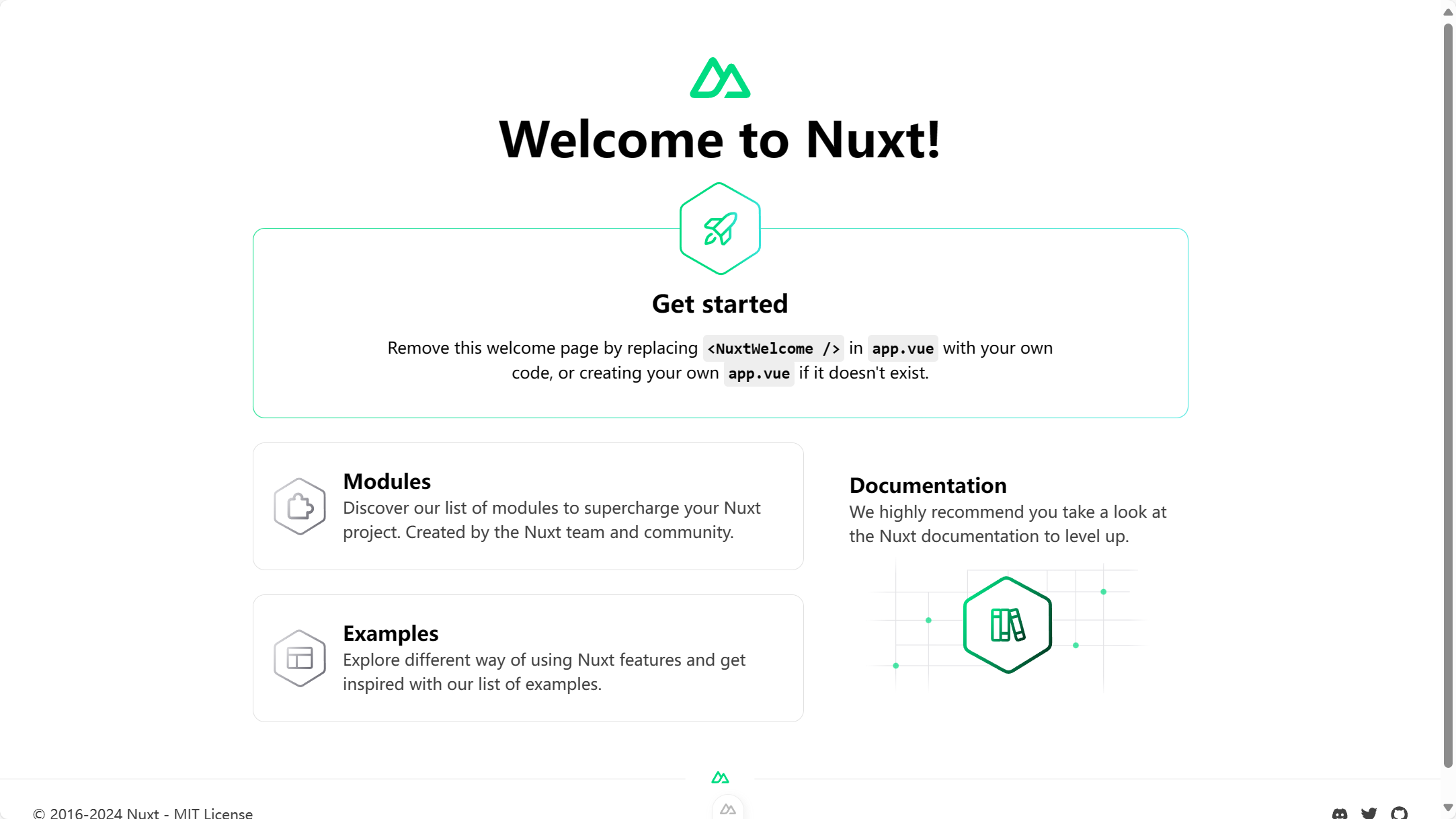
2、效果